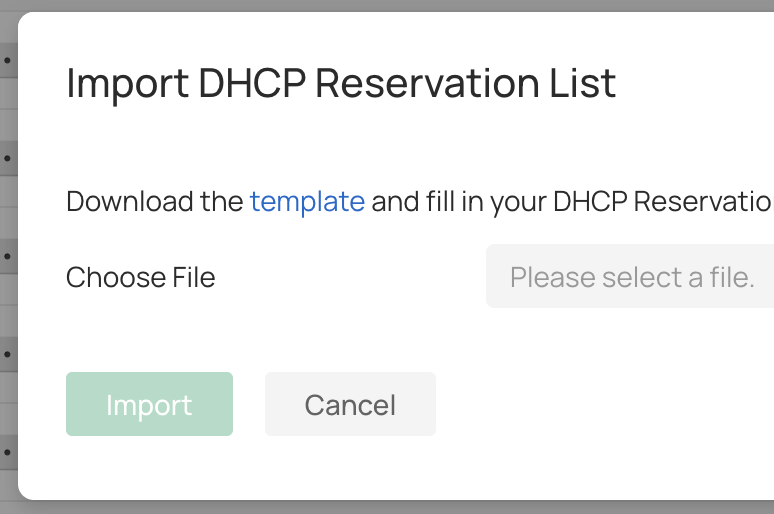
I’m running a small network of TP-Link Omada access points, and am adding the ER605 VPN Gateway. The process of importing DHCP reservations from a csv seems straightforward:
- Click “Import”
- Click the link to download the csv template
- Edit the template
- Import it
My biggest tip is that you can’t delete unneeded columns, even though the headers contain “(optional)”. You need the full number of columns in the csv or the import fails. One other tip: the valid options for “Status” and “Export to IP-MAC Binding” are “TRUE” and “FALSE”.